How to Export Data from SQL Server to Parquet Files with FastBCP

Exporting data from SQL Server into a file format that's analytics-friendly is a common need: data lake ingestion, long-term storage, or feeding modern query engines.
In this tutorial, we'll export the TPC-H SF=10 orders table (~15M rows, 9 columns) from SQL Server into Parquet files using FastBCP.
Context
CSV is universal, but it's not always the best format for analytics:
- larger files (no compression by default)
- weak typing (everything is "text")
- slower scans for columnar workloads
Parquet is a better fit for analytics pipelines:
- columnar layout (faster scans)
- typed columns
- efficient compression
- great interoperability (DuckDB, Spark, Trino, Polars…)
FastBCP makes it easy to export a SQL Server table into Parquet while leveraging parallelism on multi-core machines.
The dataset we will export (TPC-H SF=10 orders)
We'll export the TPC-H SF=10 dataset, table orders.
- Table:
orders - Scale: SF=10
- Size: ~15 million rows
- Columns: 9 columns
- Source:
tpch10.dbo.orders(SQL Server) - Output directory:
D:\temp\tpch10\orders\parquet
Click here to see the test environment specifications
- Model: MSI KATANA 15 HX B14W
- OS: Windows 11
- CPU: Intel(R) Core(TM) i7-14650HX @ 2200 MHz — 16 cores / 24 logical processors
- SQL Server 2022
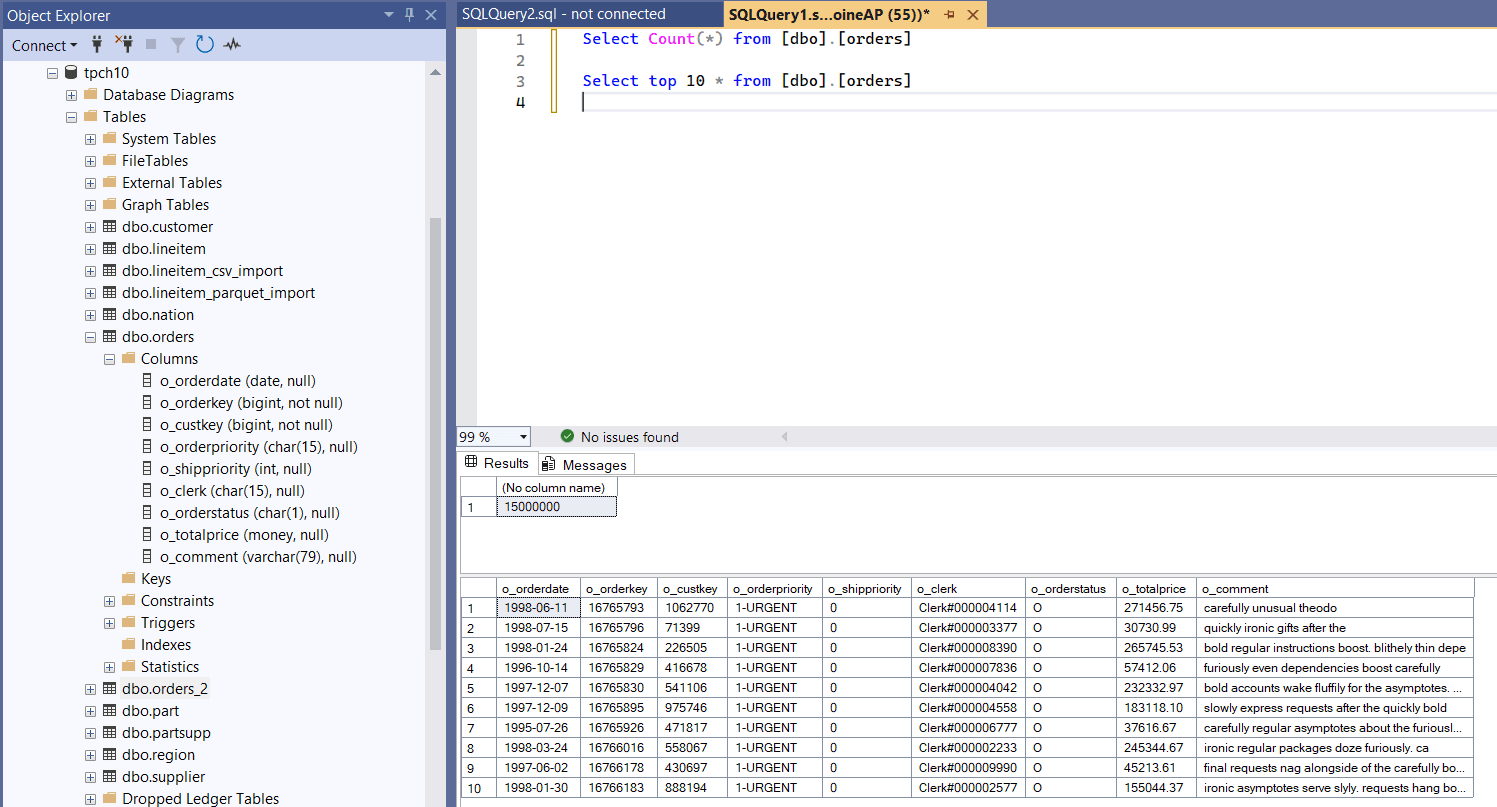
Source table in SQL Server
SELECT COUNT(*)
FROM dbo.orders;

SELECT TOP 10 *
FROM dbo.orders;
What is FastBCP?
FastBCP is a command-line tool focused on fast exports from various database sources (SQL Server, PostgreSQL, Oracle, MySQL, ...) to files, with a strong emphasis on parallelism.
For SQL Server → Parquet exports, FastBCP is interesting because it can:
- export large tables efficiently
- split the export across multiple workers (parallel tiles)
- write a modern analytics format (Parquet)
- optionally keep the outputs separate files (or merge if needed)
Exporting orders to Parquet files with FastBCP
To build the command line, we used the FastBCP Wizard: https://fastbcp-docs.arpe.io/latest/wizard
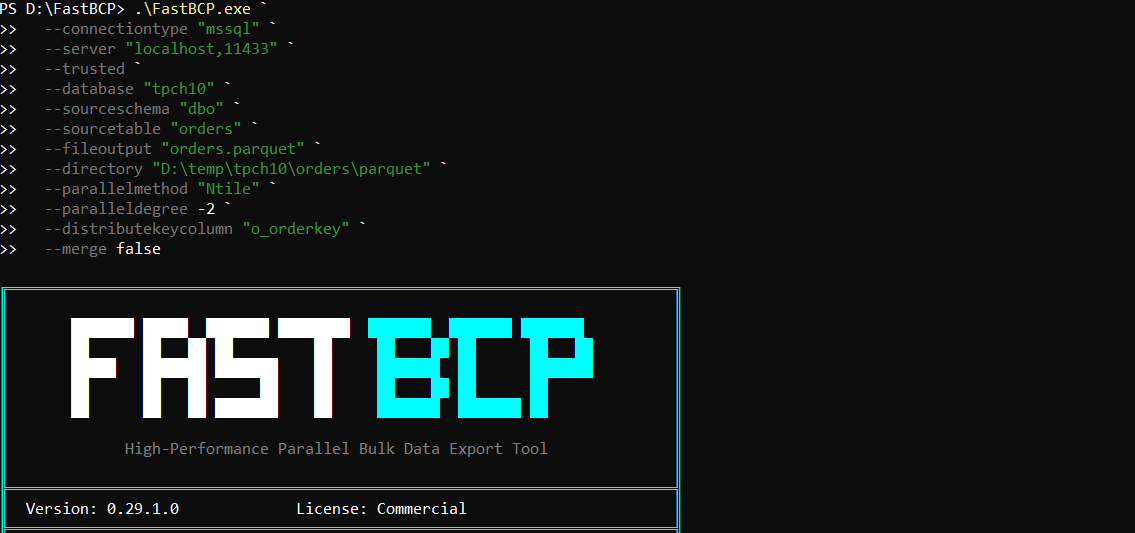
Here is the exact command we used to export the 15 million rows into Parquet:
.\FastBCP.exe `
  --connectiontype "mssql" `
  --server "localhost,11433" `
  --trusted `
  --database "tpch10" `
  --sourceschema "dbo" `
  --sourcetable "orders" `
  --fileoutput "orders.parquet" `
  --directory "D:\temp\tpch10\orders\parquet" `
  --parallelmethod "Ntile" `
  --paralleldegree -2 `
  --distributekeycolumn "o_orderkey" `
  --merge false
A few things to highlight:
--parallelmethod "Ntile"splits the table into multiple tiles for parallel export.--paralleldegree -2uses number of cores / 2 workers. On this machine we have 24 cores, so-2means 12 parallel workers.- With
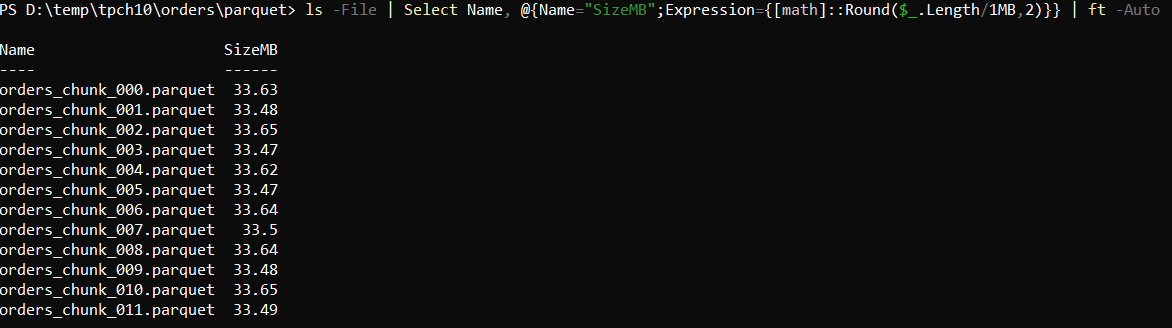
Ntile+ 12 workers, the export is naturally split into 12 partitions, and because--merge false, FastBCP writes 12 output Parquet files (one per partition). --distributekeycolumn "o_orderkey"is a great key for partitioning TPC-Horders.--merge falsekeeps the output as multiple Parquet files, which is often ideal for downstream parallel processing.
1) Running the FastBCP command from PowerShell
2) FastBCP completion output (elapsed time and summary)

3) Verifying the Parquet files generated
Results
On this machine, the export completed in 12.6 seconds, generating ~15 million rows (9 columns) from SQL Server split across 12 Parquet files.
For more details on all available options (parallel methods, degrees, mapping, sources, output format), see the documentation: https://fastbcp-docs.arpe.io/latest/
Conclusion
If your goal is analytics-friendly exports (data lake, BI, query engines), Parquet is usually a better target than CSV.
With FastBCP, exporting a large SQL Server table into multiple Parquet files becomes a one-command workflow—while taking advantage of parallelism on multi-core machines.
Want to try it on your own data? Download FastBCP and get a free 30-day trial.