CSV imports are one of those tasks that look trivial… until the files get large, the load window gets tight, and your server is clearly capable of doing more.
In this tutorial, we'll start with the traditional approach BCP and then show how to import the same data using FastTransfer, a more powerful option when you want to leverage parallelism and a modern, flexible import pipeline.
Context
SQL Server has excellent bulk-loading capabilities, and Microsoft provides tooling around them. For many teams, BCP is the default choice: stable, widely known, easy to script.
But when you deal with very large datasets, two things tend to happen:
- you want better CPU utilization (multi-core machines shouldn't look idle during a load)
- you want more flexibility in how you parse and stream data from files (CSV quirks are real)
That's where FastTransfer comes in: it keeps the simplicity of a CLI workflow, while adding parallel execution and a pipeline designed for massive throughput.
The dataset we will load (TPC-H SF=10 orders)
We'll use the TPC-H SF=10 dataset, table orders.
- Table:
orders
- Scale: SF=10
- Size: ~15 million rows
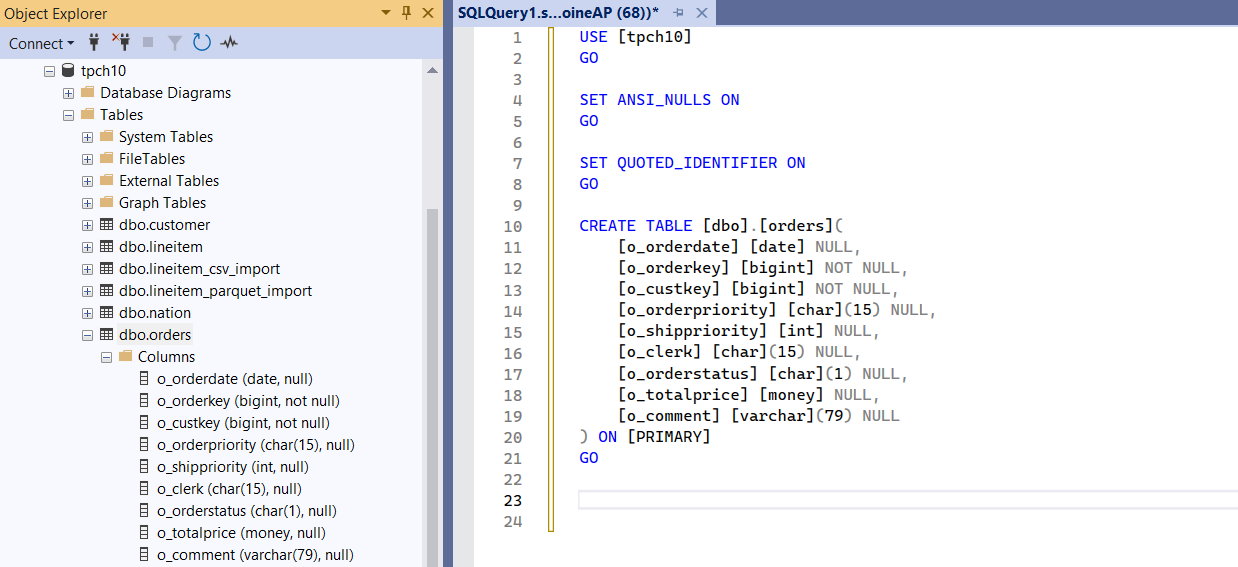
- Columns: 9 columns
- Input files: 12 CSV files, ~145 MB each
Click here to see the test environment specifications
- Model: MSI KATANA 15 HX B14W
- OS: Windows 11
- CPU: Intel(R) Core(TM) i7-14650HX @ 2200 MHz — 16 cores / 24 logical processors
- SQL Server 2022
File layout
Our orders data is split into 12 files (for easier handling and to naturally enable parallel processing later on):
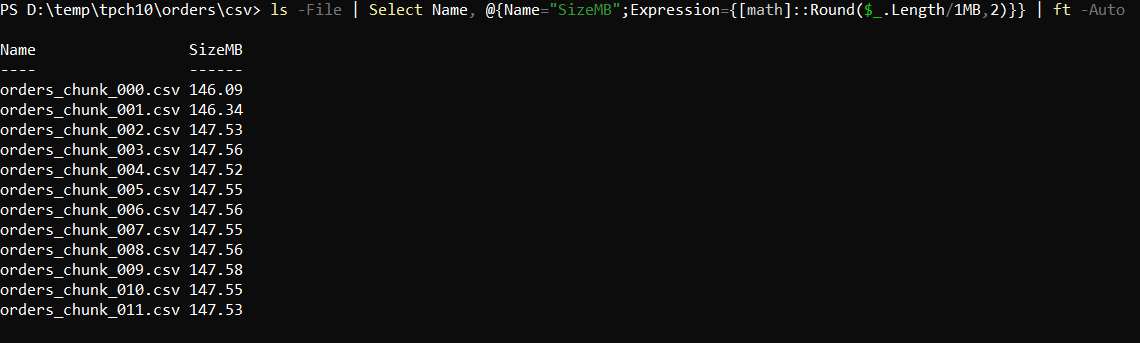
The files are pipe-delimited (|) and contain a header row (column names on the first line).
Here is a small extract showing the column order, the delimiter, and sample rows:
o_orderdate|o_orderkey|o_custkey|o_orderpriority|o_shippriority|o_clerk|o_orderstatus|o_totalprice|o_comment
1993-03-18|1127520|1330177|4-NOT SPECIFIED|0|Clerk#000004945|F|79371.45|even requests boost according to the boldly ironic foxes.
1993-12-12|1127557|742396|4-NOT SPECIFIED|0|Clerk#000003450|F|236270.35|blithely final deposits
1993-06-08|1127651|1334107|4-NOT SPECIFIED|0|Clerk#000001896|F|140919.34|fluffily ironic ideas wake fluffily above t
1994-02-24|1127654|716249|4-NOT SPECIFIED|0|Clerk#000002901|F|118316.89|stealthily regular theodolites cajole blit
1992-04-21|1127778|534959|4-NOT SPECIFIED|0|Clerk#000007212|F|73935.49|accounts detect furiou
Notes:
- Delimiter:
|
o_totalprice uses a dot as decimal separator in this extract (e.g., 79371.45) — keep this in mind when configuring parsing/conversion.- The
o_comment field is free text and may contain spaces.
Target table in SQL Server
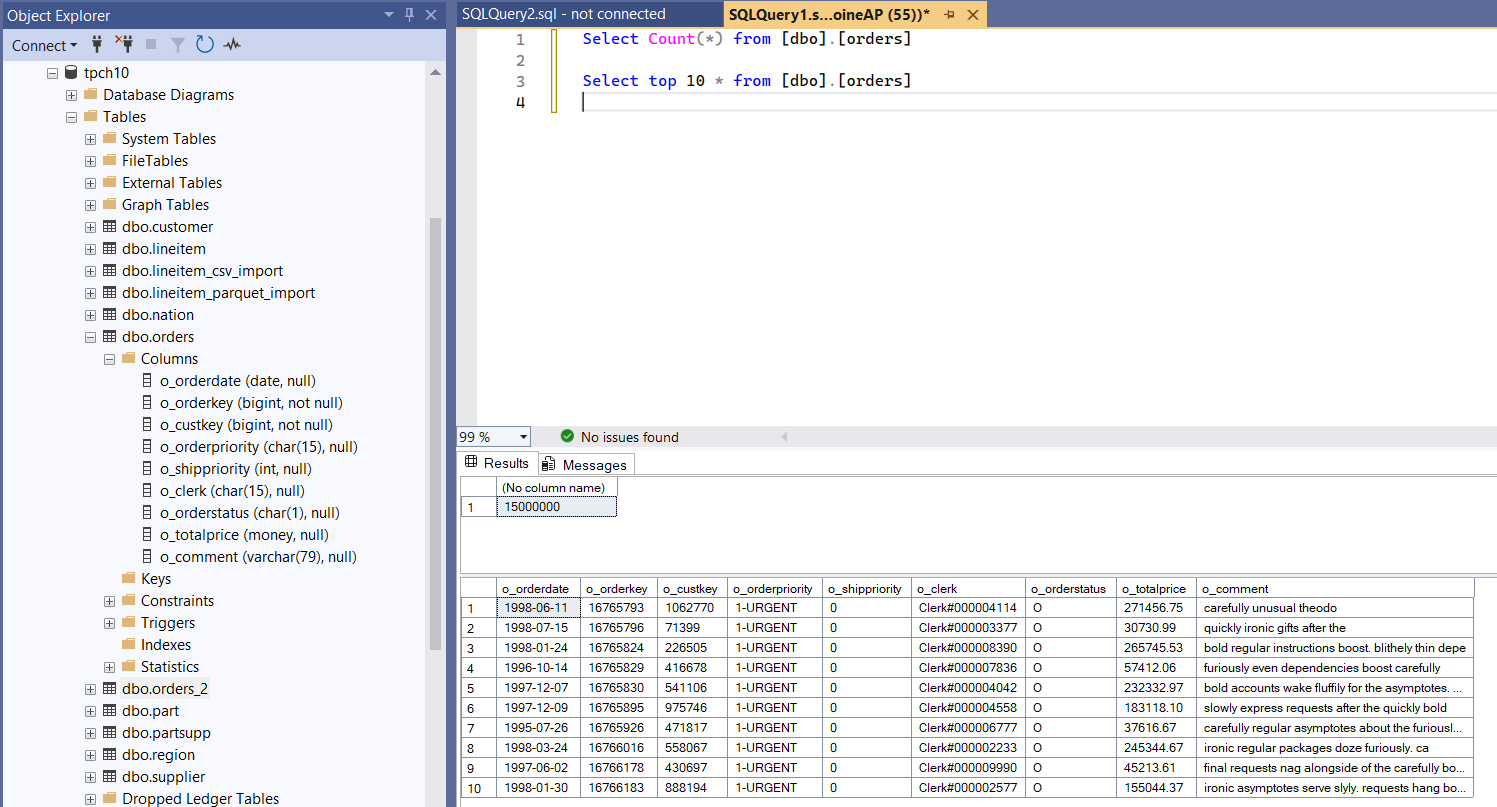
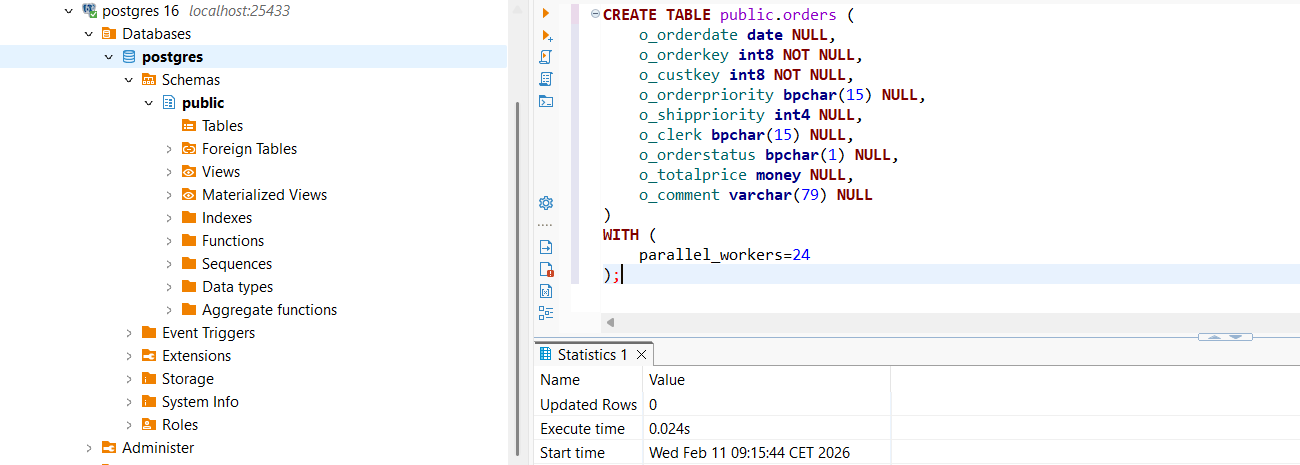
Make sure dbo.orders exists in your target database (example: tpch10) with a schema matching your CSV.
What is BCP?
BCP (Bulk Copy Program) is Microsoft's command-line utility for bulk data import/export with SQL Server.
Why people like it:
- it's native to the SQL Server ecosystem
- it's simple and script-friendly
- it's been used in production for years
Docs (Microsoft Learn):
https://learn.microsoft.com/fr-fr/sql/relational-databases/import-export/import-and-export-bulk-data-by-using-the-bcp-utility-sql-server?view=sql-server-ver17
A practical BCP import command
BCP is designed to load one data file at a time: the in argument points to a single file, and wildcards like orders*.csv are not supported as an input file.
Because our orders dataset is split into 12 CSV files, we first merged them into a single file for the BCP workflow (keeping only one header line).
Example for a pipe-delimited file:
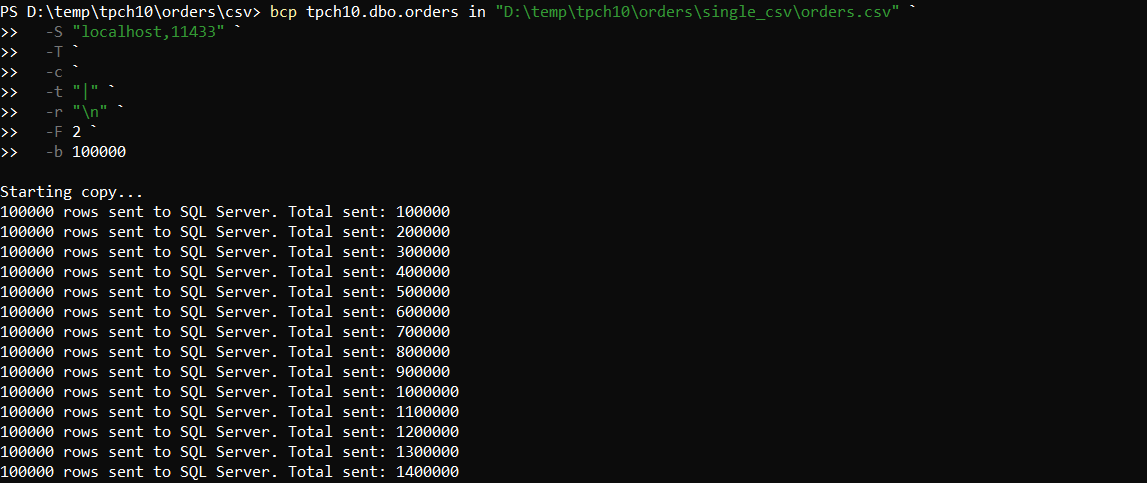
bcp tpch10.dbo.orders in "D:\temp\tpch10\orders\single_csv\orders.csv" `
   -S "localhost,11433" `
   -T `
   -c `
   -t "|" `
   -r "\n" `
   -F 2 `
   -b 100000
Notes:
-F 2 skips the header row (line 1), since the merged file contains column names on the first line.- Update the path and server/port to match your environment.
Here are the screenshots from the run:
1) Running the BCP command from PowerShell
2) BCP completion output (elapsed time and summary)

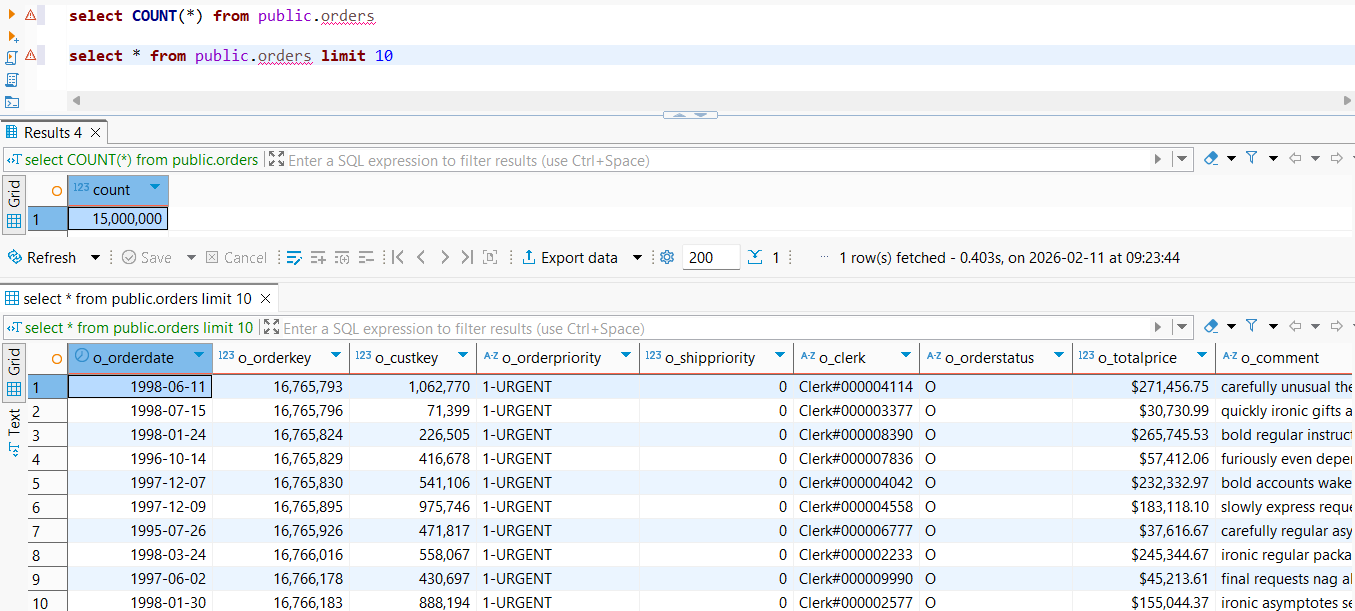
3) Verifying the number of imported rows in SQL Server
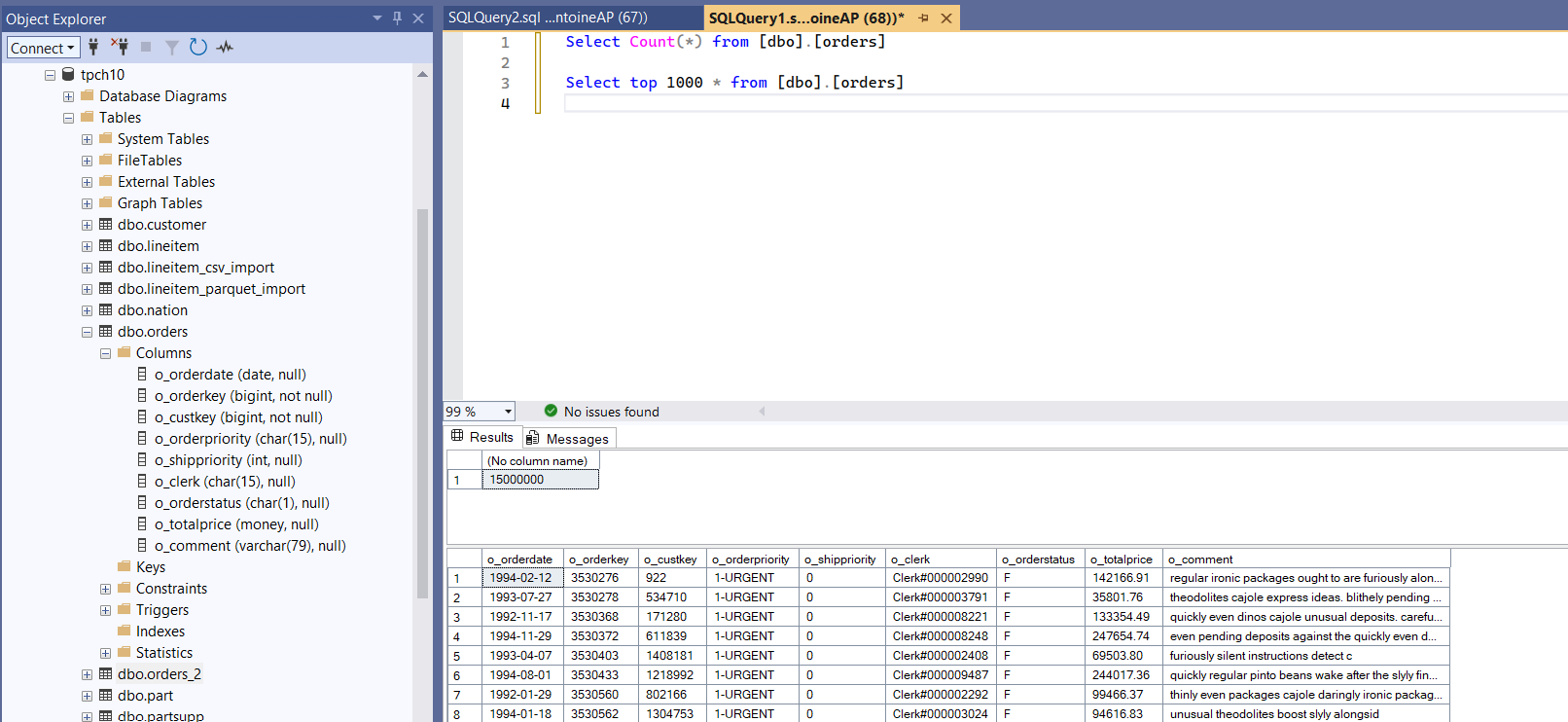
On this machine, the import completed in 21 seconds for the merged orders.csv, successfully loading ~15 million rows with 9 columns into SQL Server.
At this stage, always validate the row count (and optionally a few spot checks on values) before moving on to the next steps.
What is FastTransfer?
FastTransfer (fasttransfer.arpe.io) is a command-line tool built for high-performance data movement (file → DB, DB → DB), designed to maximize throughput with streaming and parallel execution.
For CSV → SQL Server, FastTransfer is interesting because it can:
- parse CSV efficiently (including "real-world CSV" options)
- stream rows to SQL Server using bulk loading (
msbulk)
- split work across threads to better use the machine
Importing the orders CSV files into SQL Server
To build the command line, we used the FastTransfer Wizard:
https://fasttransfer.arpe.io/docs/latest/wizard
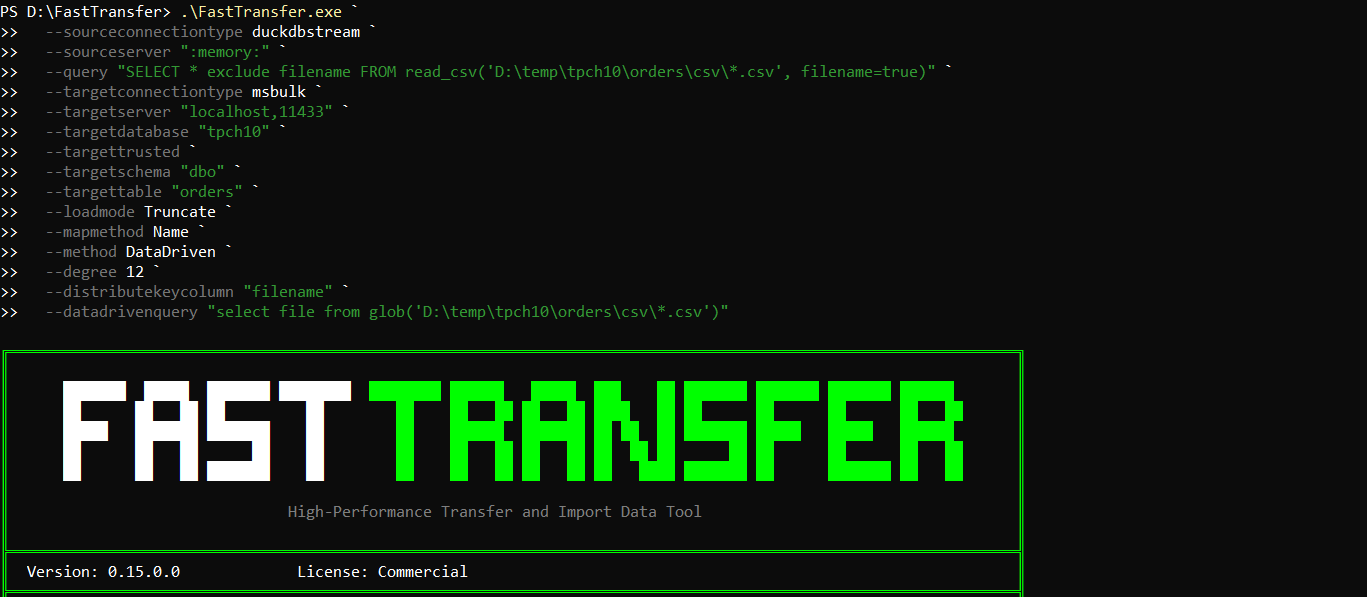
Here is the exact command we used to import the 12 CSV files (in parallel) into SQL Server:
.\FastTransfer.exe `
  --sourceconnectiontype duckdbstream `
  --sourceserver ":memory:" `
  --query "SELECT * exclude filename FROM read_csv('D:\temp\tpch10\orders\csv\*.csv', filename=true)" `
  --targetconnectiontype msbulk `
  --targetserver "localhost,11433" `
  --targetdatabase "tpch10" `
  --targettrusted `
  --targetschema "dbo" `
  --targettable "orders" `
  --loadmode Truncate `
  --mapmethod Name `
  --method DataDriven `
  --degree 12 `
  --distributekeycolumn "filename" `
  --datadrivenquery "select file from glob('D:\temp\tpch10\orders\csv\*.csv')"
A few things to highlight:
- We read all files via a glob (
D:\temp\tpch10\orders\csv\*.csv).
- We enable
filename=true and use it as a distribution key so the work can be split across files.
- The
DataDriven method combined with --degree 12 lets FastTransfer process multiple partitions in parallel.
1) Running the FastTransfer command from PowerShell
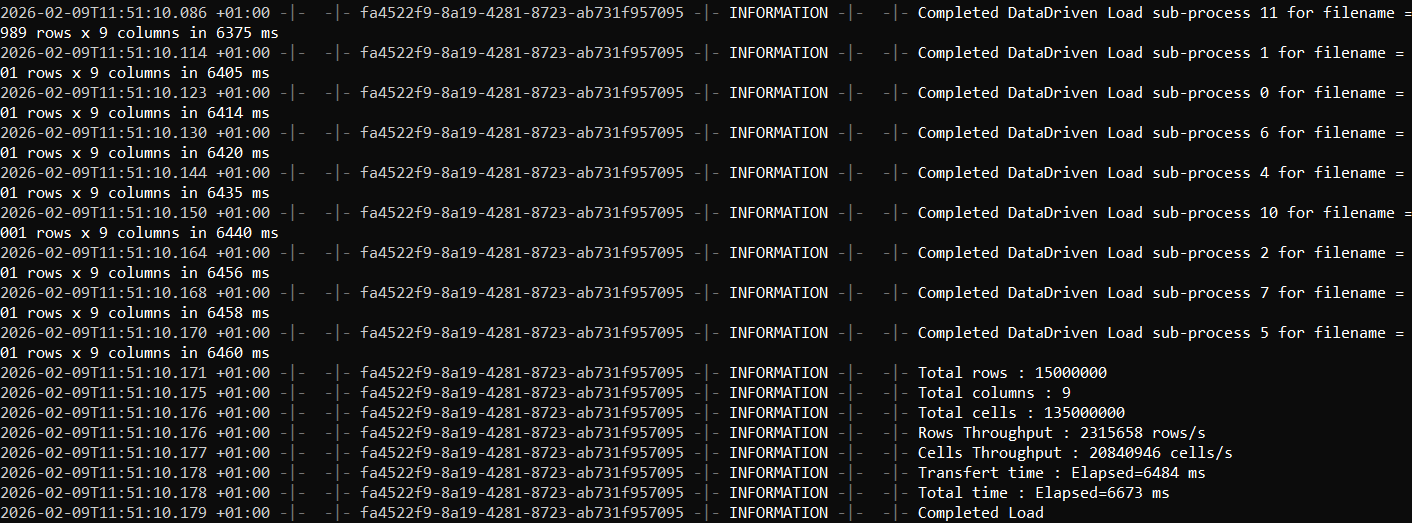
2) FastTransfer completion output (elapsed time and summary)
3) Verifying the number of imported rows in SQL Server
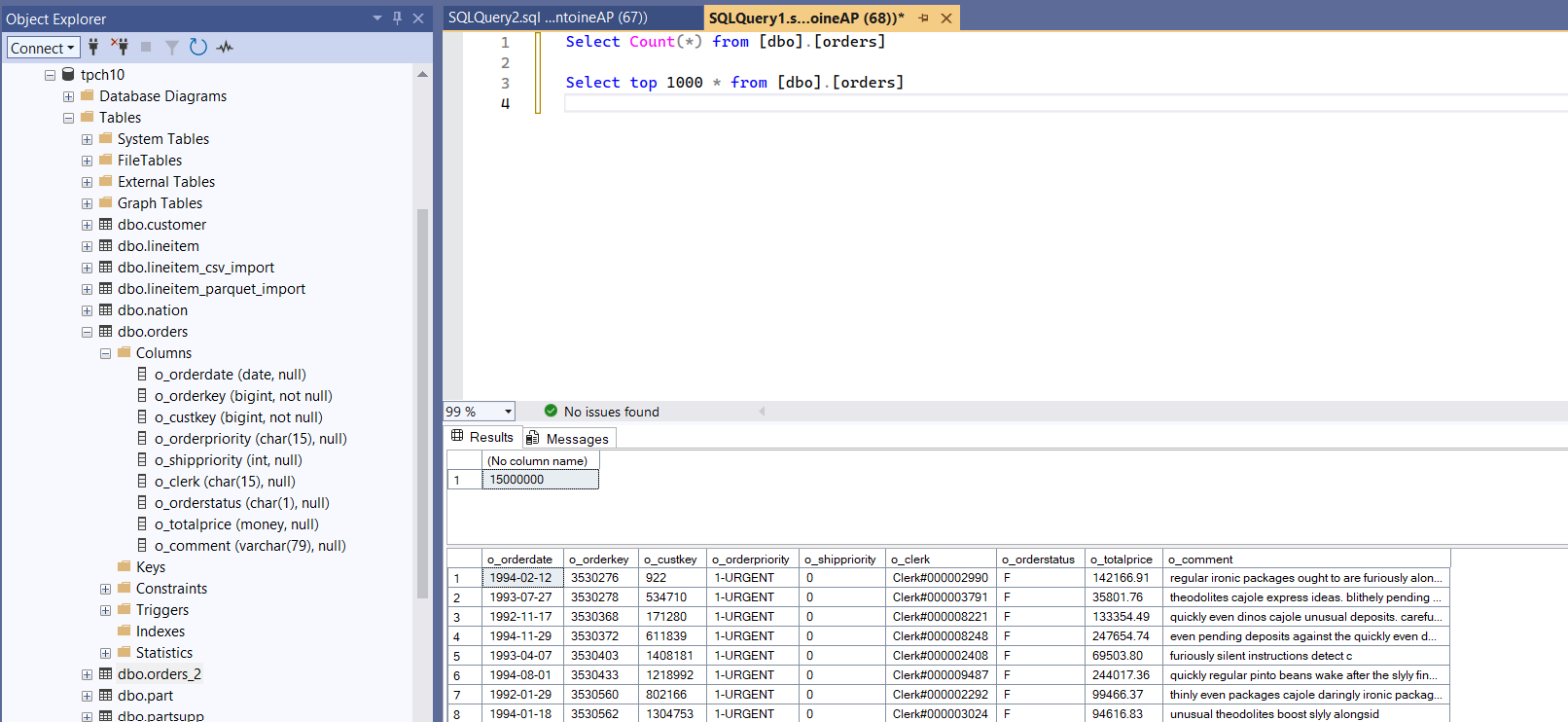
On this machine, the transfer completed in 6.7 seconds, successfully loading ~15 million rows with 9 columns into SQL Server.
For more details on all available options (parallel methods, degrees, mapping, sources/targets), see the documentation:
https://fasttransfer.arpe.io/docs/latest/
Conclusion
If you want the simplest and most traditional approach, BCP is still a solid tool and often "good enough".
But if you're importing very large CSV files and want a pipeline designed to go further especially by leveraging parallelism then FastTransfer is a compelling option.
Resources